Teacherbot vs Magic School: Which AI Tool Is Right for Your Classroom?

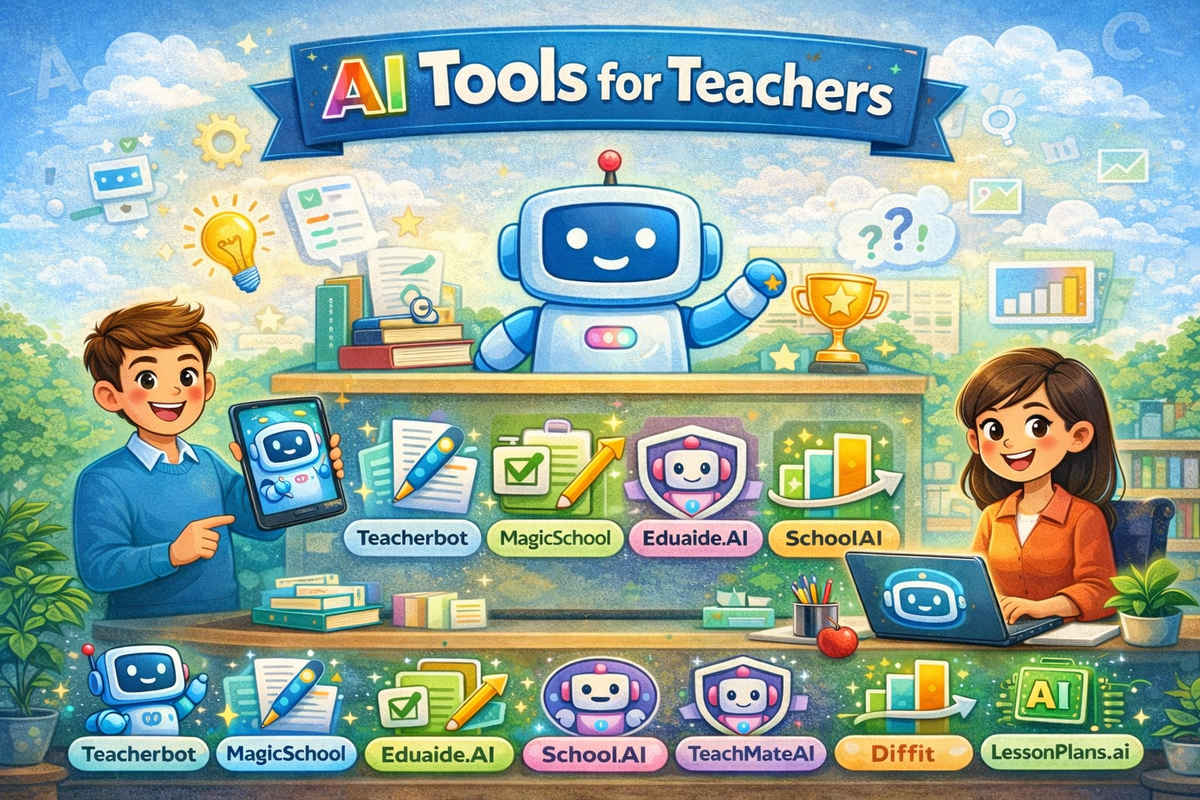
Time is one of a teacher’s most limited resources. With lesson planning, grading, and managing student needs, teachers are turning to AI tools to lighten the load and stay focused on what matters most - teaching.
Two popular platforms leading this shift are Teacherbot and MagicSchool. Both aim to support teachers, but they take slightly different approaches. Teacherbot is built for speed and simplicity, helping teachers instantly create lesson plans, quizzes, worksheets, and more; all with just a few clicks. On the other hand, MagicSchool offers a broader range of AI-powered tools, including options for student engagement and school-wide customization.
In this guide, we will break down both tools across key areas like features, pricing, ease of use, classroom support, and privacy. Whether you are a solo teacher looking for quick resources or a school administrator exploring long-term AI integration, this comparison will help you choose the right fit for your teaching style and goals.
Teacherbot vs Magic School: A Quick Comparison
1. Core Features Comparison
When it comes to AI tools for teachers, both Teacherbot and MagicSchool offer impressive features but they serve slightly different needs. Here is how their core offerings compare:
Teacherbot: Built for Fast, Practical Classroom Support
Teacherbot focuses on instant, high-quality content generation that saves teachers hours of preparation time. With just a few inputs, teachers can create:
- Full lesson plans tailored to grade level and topic
- Quizzes and matching worksheets for assessments
- Report card comments, anchor charts, and lab safety plans
- Creative writing prompts and reading comprehension tools
What truly sets Teacherbot apart is its laser focus on the classroom experience. There are no complicated menus or overwhelming dashboards - just fast, practical tools that get the job done.
But Teacherbot does not stop at resource creation.
It also acts as an educational support system, especially for new or early-career teachers. Through its growing library of blog content, Teacherbot provides guidance on a wide range of teaching topics, such as:
- How to create engaging lesson plans
- Classroom management tips
- Differentiated instruction strategies
- Seasonal and event-based teaching ideas
- Subject-specific teaching hacks
This makes Teacherbot not only a tool, but also a reliable source of information, mentorship, and support; something that many AI tools overlook. For new teachers who often feel overwhelmed, this guidance can be incredibly valuable.
MagicSchool: A Comprehensive AI Suite for Teachers and Students
Magic School, on the other hand, positions itself as a full-scale AI platform for the entire educational ecosystem. It offers:
- Over 80 tools for teachers: lesson enhancers, rubrics, text simplifiers, feedback tools, and more
- Over 50 tools for students, including AI literacy support, writing feedback, and research assistance
- Features like custom tool creation, pre-filled templates, and curriculum-aligned output options (for enterprise plans)
Magic School is designed with district-wide adoption in mind, making it suitable for schools that want a centralized AI-powered solution for both teachers and students. However, the variety of tools can require more time to learn and integrate into daily teaching routines.
2. Pricing & Accessibility
Cost plays a crucial role in choosing an AI tool for teachers and schools. Here is exactly how Teacherbot and MagicSchool are priced.
Teacherbot: Affordable Tiers for Teachers and Schools
Teacherbot offers excellent flexibility with its tiered pricing, accommodating both individual teachers and entire schools:
Pro Plan - £4.99/month (or £49/year):
- Includes 50 resource credits/month
- Access to all features (lesson plans, quizzes, anchor charts, image tools, etc.)
- Private (unpublished) content
- 30-day money-back guarantee
- Cancel anytime
Pro Plus Plan – £9.99/month (or £99/year):
- 100 resource credits/month
- Includes everything in Pro, plus: Chat with ChatGPT, Claude, and Gemini
- Priority support
- 30-day money-back guarantee, cancel anytime
Schools Plan – Custom Pricing:
- Designed for institutions
- Features transparent resource reporting, curriculum alignment, branding, teacher management, and content privacy options
Magic School: Free Starter and Paid Plans
Magic School offers three distinct tiers tailored to teachers and schools:
Free Plan (Individual Educators):
- Access to 60+ teacher tools
- Up to 20 AI generations/month
- No student tools or usage history
Pro Plan – $99.96/year (approx. $8.33/month):
- Unlimited AI generations
- Full access to 80+ teacher tools & 50+ student-facing tools
- Includes student "Rooms," history, tool replays, and priority support
Enterprise Plan – Custom Pricing:
- For schools & districts
- Includes custom tool creation, curriculum mapping, moderation, SSO, and privacy compliance tools
Which Option Suits You?
Teacherbot offers a low-cost, tiered model that grows with your classroom needs. From solo teachers to full schools, you can scale up without jumping into enterprise plans.
MagicSchool uses a freemium model perfect for educators starting with AI, but unlocking full features requires investing in the Pro or Enterprise plans.
3. Simplicity & Workflow
When it comes to integrating AI into the daily teaching routine, ease of use is everything. A powerful tool can quickly lose its appeal if it requires too much time to learn or manage. Here is how Teacherbot and MagicSchool compare in terms of user experience, onboarding, and day-to-day workflow:
Teacherbot: Designed for Speed and Simplicity
Teacherbot is built with one goal in mind, make teachers’ lives easier. The platform is intentionally minimalistic, ensuring that even those with limited tech experience can navigate it with ease. From the moment you land on the site:
- Sign-up takes less than 30 seconds, with no credit card or setup required.
- The interface is clean, direct, and distraction-free. You simply select the tool you need (e.g., lesson plan, quiz, worksheet), type in your topic or learning objective, and Teacherbot generates a complete, ready-to-use resource.
- There are no confusing tool names or dashboards, everything is clearly labeled and classroom-focused.
This streamlined approach makes Teacherbot ideal for teachers who want results without having to “figure out” the platform. Whether you are prepping last-minute lesson content or batch-creating materials for the week, the platform removes friction and saves time.
MagicSchool: Rich Features, But More to Learn
Magic School takes a more feature-rich, all-in-one approach, offering a wide variety of tools for both teachers and students. While this makes it extremely versatile, it also introduces some complexity:
- Upon logging in, users are presented with over 80 educator tools and 50 student-facing tools.
- The interface is thoughtfully designed, but the large number of tool options and settings can be overwhelming at first, especially for teachers who are new to AI tools.
Magic School does offer helpful features like:
- “Exemplar” previews that show sample results for each tool
- Replay history so you can review or refine previously generated content
- 1-click exports to Google Docs or Microsoft Word for smoother classroom integration
These features are useful, especially for experienced educators or tech-savvy users, but there is a clear learning curve involved. Some tools also have multiple input fields and customizations, which may require additional time to understand and use effectively.
4. Individual Use vs District-Level Features
While both Teacherbot and Magic School aim to support teachers, their platforms are built with different scopes in mind. One focuses on empowering individual teachers, while the other is designed with scalability and institution-wide implementation in view. Here is a closer look at how each tool serves its audience.
Teacherbot: Optimized for Individual Teachers
Teacherbot is especially well-suited for classroom-level needs. Its tools are designed for solo teachers who need quick, dependable content for their lessons, whether that is a worksheet for the next period or report card comments at the end of the term.
Key advantages for individual use include:
- Quick onboarding: Teachers can begin using it within seconds; no administrator approval, no lengthy setup.
- Self-contained tools: Every tool functions independently. You simply choose a tool (e.g., lesson plan generator), input a few details, and get instant results.
- Pay-as-you-go simplicity: With affordable subscription tiers and clear credit limits, teachers can manage their own usage without relying on school-wide budgets.
- Private content options: Teachers can keep their resources unpublished and personalized, which is helpful for tailoring materials to specific classes or students.
This makes Teacherbot an excellent fit for teachers who work independently, those in smaller institutions, or even tutors and homeschoolers who need reliable educational support without any IT integration or district-level administration.
MagicSchool: Designed for Scalability and Schoolwide Use
MagicSchool, while accessible to individual teachers, truly shines when used at the institutional level. It is built to serve not only educators but also students, administrators, and curriculum teams. This broader functionality allows for a more unified AI strategy across entire schools or districts.
Here is how MagicSchool supports large-scale use:
- Enterprise customization: Schools and districts can build custom tools, align them with specific curriculum standards, and set access rules for different users.
- Multi-role functionality: In addition to tools for teachers, Magic School includes 50+ student-facing tools and content moderation features, making it suitable for student engagement, homework assistance, and AI literacy development.
- Administrative control: Enterprise plans offer admin dashboards, usage tracking, content filtering, and integrations like SSO (Single Sign-On) - features essential for district IT teams.
- Collaboration tools: Teachers and staff can share tools across classrooms and departments, making it easier to unify instruction methods or co-develop resources.
While these features might not be essential for solo teachers, they are extremely valuable for institutions looking to embed AI into their broader academic workflows.
5. Student Engagement Tools
While both Teacherbot and MagicSchool are designed to support educators, only one of them currently extends its functionality directly to students. In this section, we will explore how each platform approaches student engagement, either through student-facing tools or by empowering teachers to better connect with their students.
MagicSchool: AI-Powered Tools for Student Learning & AI Literacy
One of MagicSchool’s standout features is its commitment to equipping students with AI tools that enhance learning, improve digital literacy, and foster independent thinking.
- The platform offers 50+ student-facing tools designed specifically for classroom use, which include:
- Writing support tools (e.g., text expanders, summarizers, sentence starters)
- Reading comprehension aids
- AI-assisted feedback and self-assessment tools
- AI literacy development, helping students understand how to use AI ethically and effectively
In addition to these tools, MagicSchool ensures responsible AI use by implementing:
- Content moderation and filtering, so teachers can monitor what students generate
- Student Rooms, where teachers can assign AI tasks and view student progress
- Replay and history features, allowing both teachers and students to revisit their work
This makes MagicSchool particularly useful for project-based learning, independent research, and digital writing tasks, where AI can serve as a smart assistant rather than a shortcut.
Teacherbot: Teacher-Led Student Engagement
While Teacherbot does not include direct student-facing tools, it indirectly enhances student engagement by empowering teachers to deliver more personalized, creative, and relevant resources, quickly and effectively.
Here is how:
- Teachers can instantly generate lesson plans, worksheets, quizzes, and anchor charts that are tailored to student needs.
- Tools like writing prompts, reading comprehension activities, and main idea charts help spark student interest and deepen understanding.
- Because content generation is so fast, teachers have more time to focus on delivery, classroom interaction, and one-on-one support.
In other words, while students do not use Teacherbot directly, they benefit from the increased capacity and energy that teachers gain from using it.
6. Privacy, Trust & Security
For educators and institutions, data privacy is not just a preference - it is a requirement. From student data protection to safe AI use, knowing how an education platform handles privacy and security is key to making an informed choice. Here is how Teacherbot and MagicSchool compare.
Magic School: Strong Emphasis on Privacy and Moderation
Magic School takes privacy seriously and has built safeguards that align with institutional standards for data protection. It is particularly well-suited for schools and districts that need strict oversight and compliance.
- Magic School has been reviewed by Common Sense, receiving high marks for student data protection and transparency.
- Built-in safeguards prevent inappropriate AI generations in student tools. Teachers and admins have visibility and control over usage.
- The platform is designed with U.S. student privacy laws in mind, making it a safer choice for K-12 institutions.
- Schools and districts using Magic School Enterprise plans can implement DPAs to customize privacy terms based on local requirements.
Teacherbot: Simple, Minimal-Data Usage
While Teacherbot does not position itself as an enterprise tool, its simplicity offers a unique form of safety, it asks for very little personal information to begin with, and teachers primarily interact with the tool solo.
Here is what Teacherbot currently offers:
- Since Teacherbot is focused on content generation for teachers only, no student data is collected or stored.
- Most tools only ask for a topic or brief input. There is no uploading of student information, which lowers data risk for individual use.
- Teacherbot does not currently offer moderation tools, SSO, or data control dashboards for institutions.
How to Choose the Right Tool for Your Needs
With so many features and benefits on both sides, the right tool ultimately depends on your specific role, goals, and classroom environment. Here is a quick guide to help you decide:
Choose Teacherbot if:
- You are an individual teacher looking for fast and easy classroom content generation.
- You prefer a tool that works with minimal setup or tech learning curve.
- You want to create resources like lesson plans, quizzes, and report card comments in seconds.
- You value affordability and do not need student-facing tools.
- You appreciate practical blog guidance alongside AI tools, especially if you are a newer teacher.
Choose Magic School if:
- You work in a school or district and need a solution that supports teachers and students.
- You want a wide variety of tools for both instructional and student engagement purposes.
- You require features like student AI access, moderation, generation history, or custom curriculum alignment.
- You need to meet institutional privacy standards like FERPA/COPPA and require tools like SSO and admin dashboards.
No matter which tool you choose, both Teacherbot and Magic School are helping move education forward by giving teachers more time and support in the classroom.
Conclusion
AI tools like Teacherbot and MagicSchool are changing the way teachers plan, engage, and support their students. While both platforms serve the same goal, making teaching easier and more effective - they do so in different ways.
Teacherbot is ideal for individual teachers who want a reliable, time-saving assistant to generate high-quality classroom resources instantly. Its simplicity, affordability, and growing library of teacher support content make it especially useful for solo teachers.
On the other hand, MagicSchool offers a comprehensive AI suite that is well-suited for schools and districts seeking collaborative features, student-facing tools, and compliance with data privacy standards.
At the end of the day, the best choice comes down to how you teach, who you teach, and the kind of support you need. Whether you are managing a full classroom on your own or rolling out AI across multiple schools, there is a tool here to help you do it better.